'%3e%3cmask%20id='mask0_96_21150'%20style='mask-type:luminance'%20maskUnits='userSpaceOnUse'%20x='0'%20y='0'%20width='32'%20height='32'%3e%3cpath%20d='M16%2032C24.8366%2032%2032%2024.8366%2032%2016C32%207.16344%2024.8366%200%2016%200C7.16344%200%200%207.16344%200%2016C0%2024.8366%207.16344%2032%2016%2032Z'%20fill='white'/%3e%3c/mask%3e%3cg%20mask='url(%23mask0_96_21150)'%3e%3cpath%20d='M0%2016L16.125%2013.5375L32%2016V32H0V16Z'%20fill='%23C3F444'/%3e%3cpath%20d='M0%200H32V16H0V0Z'%20fill='%23191818'/%3e%3c/g%3e%3c/g%3e%3cdefs%3e%3cclipPath%20id='clip0_96_21150'%3e%3crect%20width='32'%20height='32'%20fill='white'/%3e%3c/clipPath%3e%3c/defs%3e%3c/svg%3e)
'%3e%3cpath%20d='M0%200L0.5%201.375L0%202.8125V4.25L2%207.625L0%2011V13L2%2016L0%2019V21L2%2024.375L0%2027.75V32L1.375%2031.5L2.8125%2032H4.25L7.625%2030L11%2032H13L16%2030L19%2032H21L24.375%2030L27.75%2032H32L31.5%2030.625L32%2029.1875V27.75L30%2024.375L32%2021V19L30%2016L32%2013V11L30%207.625L32%204.25V0L30.625%200.5L29.1875%200H27.75L24.375%202L21%200H19L16%202L13%200H11L7.625%202L4.25%200H0Z'%20fill='%23EEEEEE'/%3e%3cpath%20d='M21%200V6.75L27.75%200H21ZM32%204.25L25.25%2011H32V4.25ZM0%2011H6.75L0%204.25V11ZM4.25%200L11%206.75V0H4.25ZM11%2032V25.25L4.25%2032H11ZM0%2027.75L6.75%2021H0V27.75ZM32%2021H25.25L32%2027.75V21ZM27.75%2032L21%2025.25V32H27.75Z'%20fill='%23191818'/%3e%3cpath%20d='M0%200V2.8125L8.1875%2011H11L0%200ZM13%200V13H0V19H13V32H19V19H32V13H19V0H13ZM29.1875%200L21%208.1875V11L32%200H29.1875ZM11%2021L0%2032H2.8125L11%2023.8125V21ZM21%2021L32%2032V29.1875L23.8125%2021H21Z'%20fill='%23C3F444'/%3e%3c/g%3e%3c/svg%3e) en
en
'%3e%3cpath%20d='M93.7739%2029.6247C93.7739%2022.2353%2089.2594%2017.1093%2082.554%2017.1093C75.915%2017.1093%2071.4007%2022.2353%2071.4007%2029.4916C71.4007%2036.9476%2075.915%2042.1402%2082.554%2042.1402C89.2594%2042.1402%2093.7739%2037.0141%2093.7739%2029.6247ZM99.3506%2029.6247C99.3506%2040.01%2092.4461%2047%2083.0853%2047C77.3756%2047%2073.5251%2044.6701%2071.4671%2041.408L70.7367%2046.6006H66.0229V0H71.4671V18.1077C73.7242%2014.9788%2077.3756%2012.2495%2083.0853%2012.2495C92.4461%2012.2495%2099.3506%2018.5736%2099.3506%2029.6247Z'%20fill='%23191818'/%3e%3cpath%20d='M125.771%2031.0893H115.282C110.435%2031.0893%20107.713%2032.8868%20107.713%2036.7479C107.713%2040.0765%20110.568%2042.3401%20115.083%2042.3401C121.855%2042.3401%20125.771%2038.4122%20125.771%2032.7536V31.0893ZM135.132%2041.6077V46.6006H132.145C127.63%2046.6006%20126.103%2044.67%20126.037%2041.3414C123.913%2044.4038%20120.527%2047%20114.684%2047C107.249%2047%20102.203%2043.272%20102.203%2037.0809C102.203%2030.2906%20106.917%2026.4958%20115.813%2026.4958H125.771V24.1659C125.771%2019.772%20122.651%2017.1093%20117.34%2017.1093C112.56%2017.1093%20109.373%2019.3726%20108.709%2022.8344H103.265C104.062%2016.1771%20109.44%2012.2495%20117.605%2012.2495C126.236%2012.2495%20131.215%2016.5765%20131.215%2024.4987V39.3443C131.215%2041.1417%20131.879%2041.6077%20133.406%2041.6077H135.132Z'%20fill='%23191818'/%3e%3cpath%20d='M169.589%2027.6942V46.6006H164.145V28.027C164.145%2020.9704%20160.892%2017.2424%20154.983%2017.2424C148.609%2017.2424%20144.759%2021.969%20144.759%2029.6247V46.6006H139.315V12.6488H144.029L144.759%2017.2424C146.75%2014.6459%20150.203%2012.2495%20155.912%2012.2495C163.547%2012.2495%20169.589%2016.4434%20169.589%2027.6942Z'%20fill='%23191818'/%3e%3cpath%20d='M173.901%200H179.345V30.6897L196.341%2012.6488H203.046L189.835%2026.6955L203.976%2046.6006H197.403L186.183%2030.6232L179.345%2037.6798V46.6006H173.901V0Z'%20fill='%23191818'/%3e%3cpath%20d='M218.845%200H224.289V30.6897L241.285%2012.6488H247.99L234.778%2026.6955L248.919%2046.6006H242.347L231.127%2030.6232L224.289%2037.6798V46.6006H218.845V0Z'%20fill='%23191818'/%3e%3cpath%20d='M277.599%2029.7579C277.599%2022.3019%20273.084%2017.109%20266.445%2017.109C259.74%2017.109%20255.225%2022.2353%20255.225%2029.6247C255.225%2037.0141%20259.74%2042.1402%20266.445%2042.1402C273.084%2042.1402%20277.599%2037.0141%20277.599%2029.7579ZM277.532%200H282.976V46.6006H278.262L277.532%2041.1418C275.275%2044.2707%20271.624%2047%20265.914%2047C256.553%2047%20249.648%2040.6758%20249.648%2029.6247C249.648%2019.2395%20256.553%2012.2495%20265.914%2012.2495C271.624%2012.2495%20275.474%2014.5794%20277.532%2017.8415V0Z'%20fill='%23191818'/%3e%3cpath%20d='M214.729%2043.2054C214.729%2045.3011%20213.035%2047%20210.945%2047C208.855%2047%20207.161%2045.3011%20207.161%2043.2054C207.161%2041.1098%20208.855%2039.4109%20210.945%2039.4109C213.035%2039.4109%20214.729%2041.1098%20214.729%2043.2054Z'%20fill='%23191818'/%3e%3cpath%20d='M42.9974%2022.6375C48.3549%2015.1539%2053.7123%207.67044%2059.0698%200.186768H42.4818C39.7802%200.186768%2037.2441%201.49235%2035.6698%203.69373C33.6231%206.5554%2031.5765%209.41681%2029.5299%2012.2785C29.2441%2012.6778%2028.784%2012.9149%2028.2935%2012.9149H15.9153C16.8033%2011.341%2017.2099%209.45847%2016.9246%207.46491C16.3893%203.72244%2013.3503%200.731714%209.60919%200.260697C4.03635%20-0.441%20-0.647717%204.2684%200.073591%209.86013C0.56257%2013.6506%203.61198%2016.6993%207.39308%2017.1815C10.3921%2017.5638%2013.1319%2016.3769%2014.9147%2014.3302L35.6389%2043.3064C37.2135%2045.5077%2039.7496%2046.8133%2042.4511%2046.8133H58.9951C53.6622%2039.3469%2048.3293%2031.8805%2042.9963%2024.4141C42.6171%2023.8829%2042.6173%2023.1682%2042.9974%2022.6375Z'%20fill='%23191818'/%3e%3c/g%3e%3cdefs%3e%3cclipPath%20id='clip0_96_21167'%3e%3crect%20width='283'%20height='47'%20fill='white'/%3e%3c/clipPath%3e%3c/defs%3e%3c/svg%3e) en
en



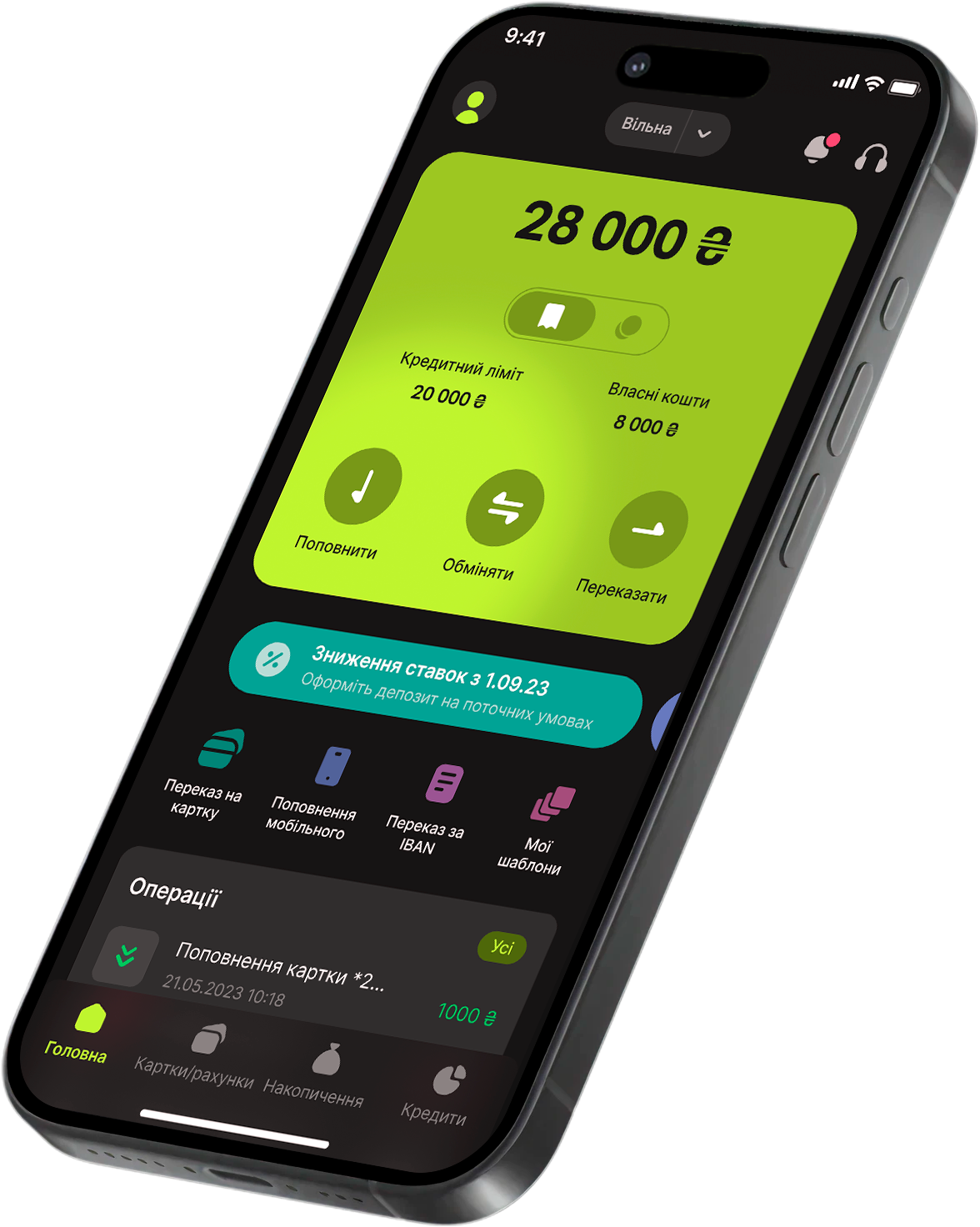
Simplicity
Fair rates
Speed
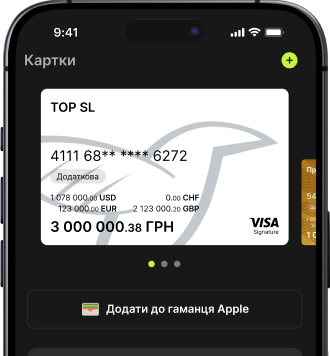
THREE currencies in one card
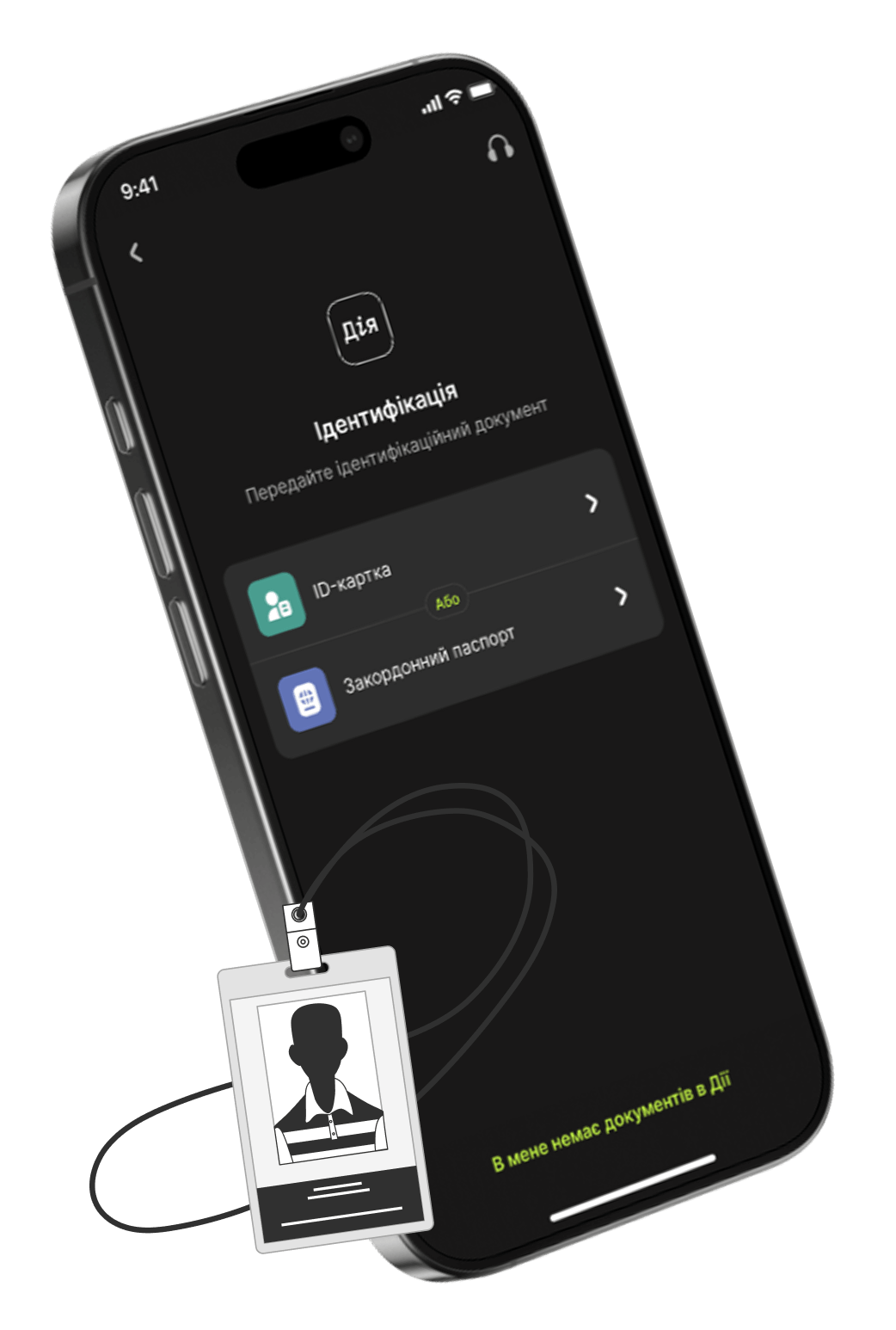





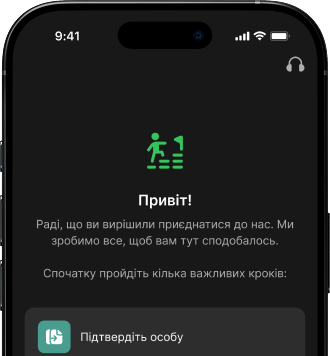
First, you need to download the app and register using Diia (you need to have an ID card or foreign passport and activate Diia.Signature).











Promotion "Global Upgrade"
Make cross-border transfers between Visa cards of foreign banks in the bank.kd app and win one of nine Apple iPhone 17 smartphones.
To participate in the Promotion, you must make cross-border transfers in the bank.kd app from your bank card account in foreign currency to foreign Visa cards and/or cross-border transfers from foreign Visa cards to your bank card accounts for a total amount of UAH 20 000 or more, converted at the NBU exchange rate during the month.
Every month, three Apple iPhone 17 smartphones will be raffled off among participants who have fulfilled the terms of the Promotion.
The promotion runs from March 1, 2026, to May 31, 2026, inclusive.
Official rules of the promotion — follow the link >>>
Quick online registration
Free multicurrency debit card
Quick Instant Transfers
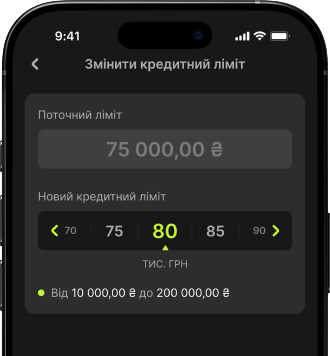
Convenient control over cards and accounts
Contactless payments
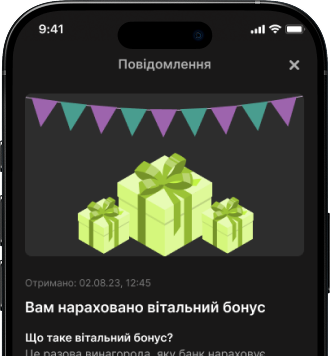
Bonuses and promotions from partners
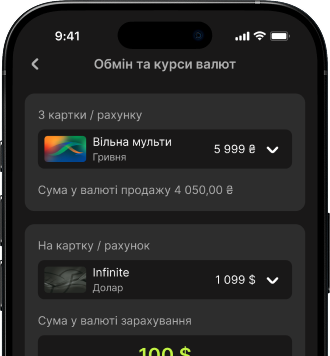
TOP currency exchange rates
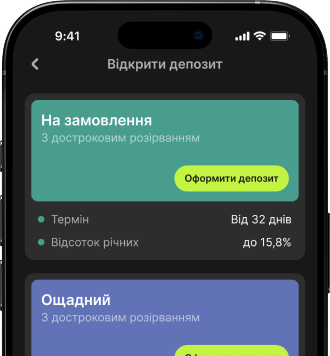
Favorable deposits and savings accounts




Do I need to open a separate currency account for the transfer?
No, you don't need to open a separate currency account.
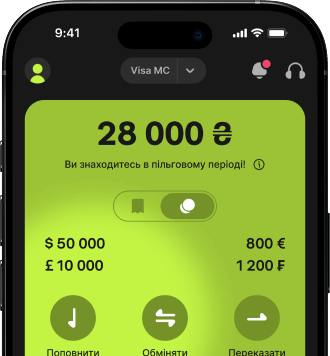
The Free Multicurrency Card is automatically opened when you register in the app — with accounts in three currencies: hryvnia (UAH), US dollar (USD), and euro (EUR).
You can top up your card in hryvnia, exchange currency directly in the app, and make transfers in the currency you need.
Exchanges are fast and at a favorable rate — no need to visit a branch.
Can I transfer money to a foreign bank card opened in my name?
No, such transfers are not possible.
You can only transfer funds to a foreign bank card opened in another person's name. The recipient's card must belong to the Visa international payment system.
Before sending, we recommend that you carefully check the details to avoid delays.
How long does it take for the money to be transferred?
In most cases, the transfer takes a few minutes.
Sometimes it can take longer — up to several hours. This may depend on the time of day, the recipient bank's processing procedures, and internal checks by the payment system.
If the transfer is done correctly, the funds will definitely be received.
What should I do if the transfer has not been received?
First, check the status of the transaction in the app.
If the funds have been withdrawn but not received within a few hours, please contact support. We will check the transaction details, contact the payment system, and help you locate the payment if necessary.
It is important to us that your funds are safe.
Can I cancel the transfer?
Once the transaction has been confirmed, it cannot be canceled.
That is why we recommend that you carefully check the card number, recipient's name, and transfer amount before confirming.
If a mistake has been made, contact customer support as soon as possible. We will advise you on the next steps to take.
Do I need to explain where my funds come from?
In some cases, the bank may request additional information regarding the origin of funds.
This is standard practice, required by applicable law and financial monitoring requirements. Such checks help ensure customer safety, prevent fraud, and comply with international financial standards.
The procedure is confidential and as convenient as possible for the customer.
Are cross-border transfers safe?
All transactions in the bank.kd app are protected by modern encryption technologies and comply with international security standards.
We use secure data transfer protocols and a multi-level transaction verification system.
Your funds and personal data are reliably protected.